The COG Factory / COG Factory Experiments
Box Room
2026-08-22
DOWNLOAD ZIP · 190 KBBUILD 12026-09-05
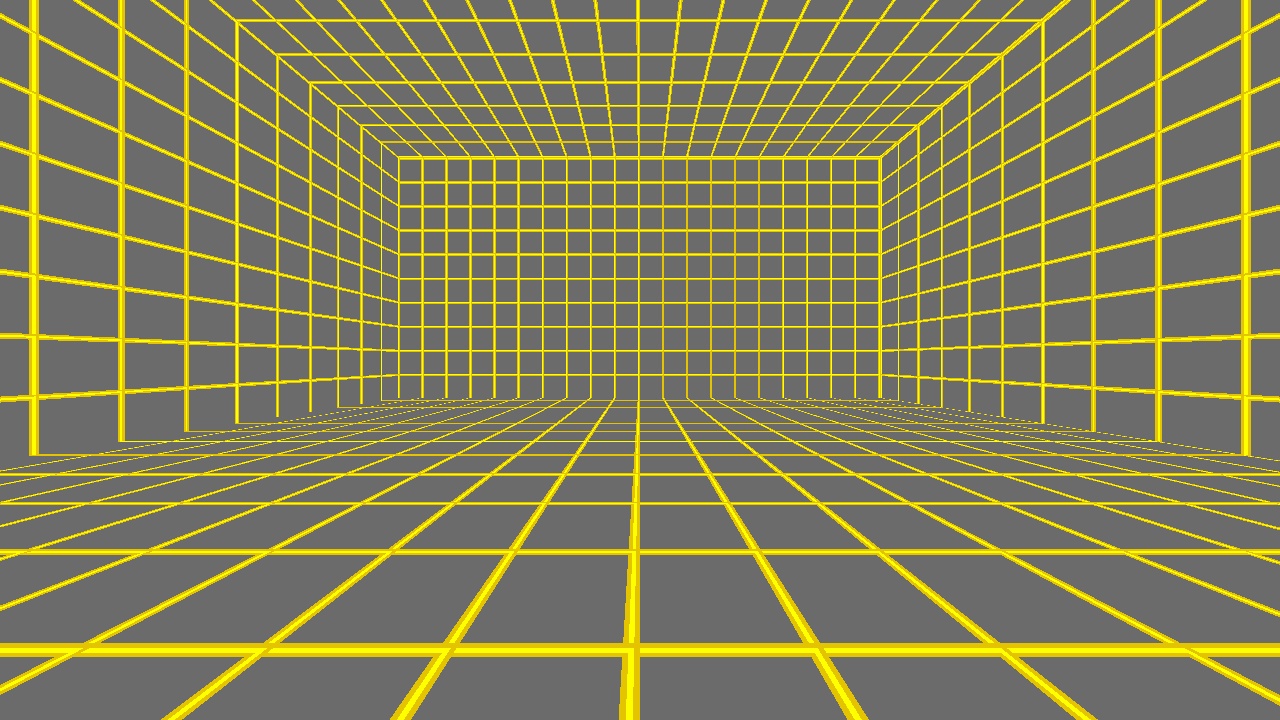
The smallest level this engine will accept: one sector, six surfaces, a spawn point. The floor grid is deliberately loud so that every later experiment can see itself.
Establishes the minimum viable JKL — and, just as usefully, exactly how the loader complains when it rejects one.
| project | p02-box-room |
|---|---|
| date | 2026-08-22 |
| package | P02.GOB, readme.txt, screenshot.jpg |
| build | 1 — 2026-09-05 |
| sha256 | 38a8d45e80ee9f4d34a6c2c1c2685e0fd38824c709b4584b208a04eef8e7c6d3 |
Installing it
- Unzip it.
- Drop the
.GOBinto theepisodefolder of a Jedi Knight install — the one that already hasJK1.GOBin it. - Pick it from the episode list. On a libretro frontend, load the
.GOBitself as content.
The GOB carries its own level. Everything else is read from the stock
resource/, and there is no retail game data in the zip.
These are living projects, not finished releases. A level is rebuilt whenever something is learned — a lighting rule, a texture orientation, a whole detail pass — and it keeps its filename through all of it. The build number is how to tell which one you have: it is printed in the readme inside every zip, and it only moves when the level's bytes actually change.
The readme that ships with it
========================================================================
 Jedi Knight Level

 P02.GOB

 What is the minimum JKL this engine will actually load, and how does
 it complain when it rejects one?

 [cogfactory / p02-box-room]

 BUILD 1  --  2026-09-05
 sha256 38a8d45e80ee9f4d34a6c2c1c2685e0f

 This level is not made or distributed by LucasArts
 Entertainment Co.
========================================================================

THIS PACKAGE
------------------------------------------------------------------------
  P02.GOB          the level
  readme.txt       this file
  screenshot.jpg   what it looks like

INSTALLATION
------------------------------------------------------------------------
Drop P02.GOB into the `episode` folder of a Jedi Knight install (the one
that already has JK1.GOB in it) and pick it from the episode list.
Nothing else needs to change: the GOB carries its own level, cogs,
materials and sounds, and reads the stock resource/ for everything else.

On a libretro frontend, point the core at the GOB itself. It needs a
folder beside it holding `resource/` from a real install -- that is
where the retail data lives and none of it is in here.

WHAT IS IN THE GOB
------------------------------------------------------------------------
        89  episode.jk
      4928  jkl\box.jkl

      5017  bytes in 2 entries

CREDITS
------------------------------------------------------------------------
  Generated by tools/cogfactory in the openjkdf2_libretro tree.

  The readme format is styled after SM Sith Lord's cog headers,
  because his are the ones everybody read.

========================================================================