The COG Factory / COG Factory Experiments
Pixel Screen + Snake
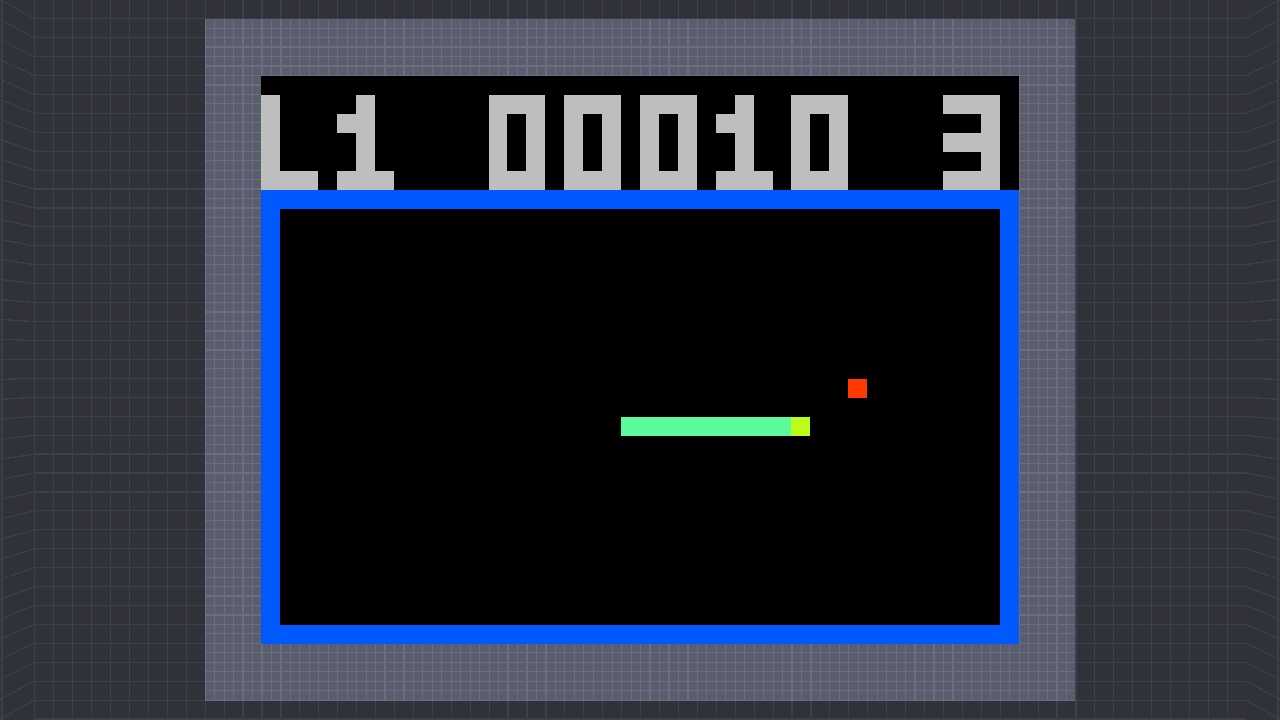
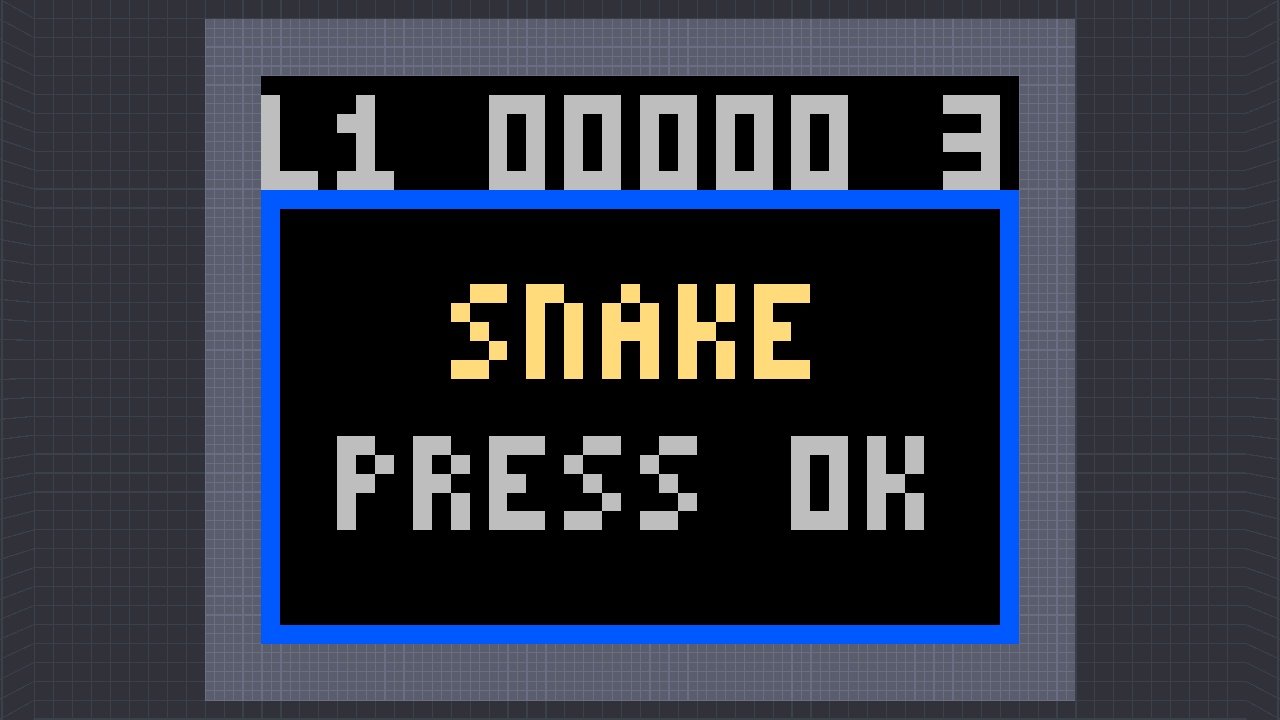
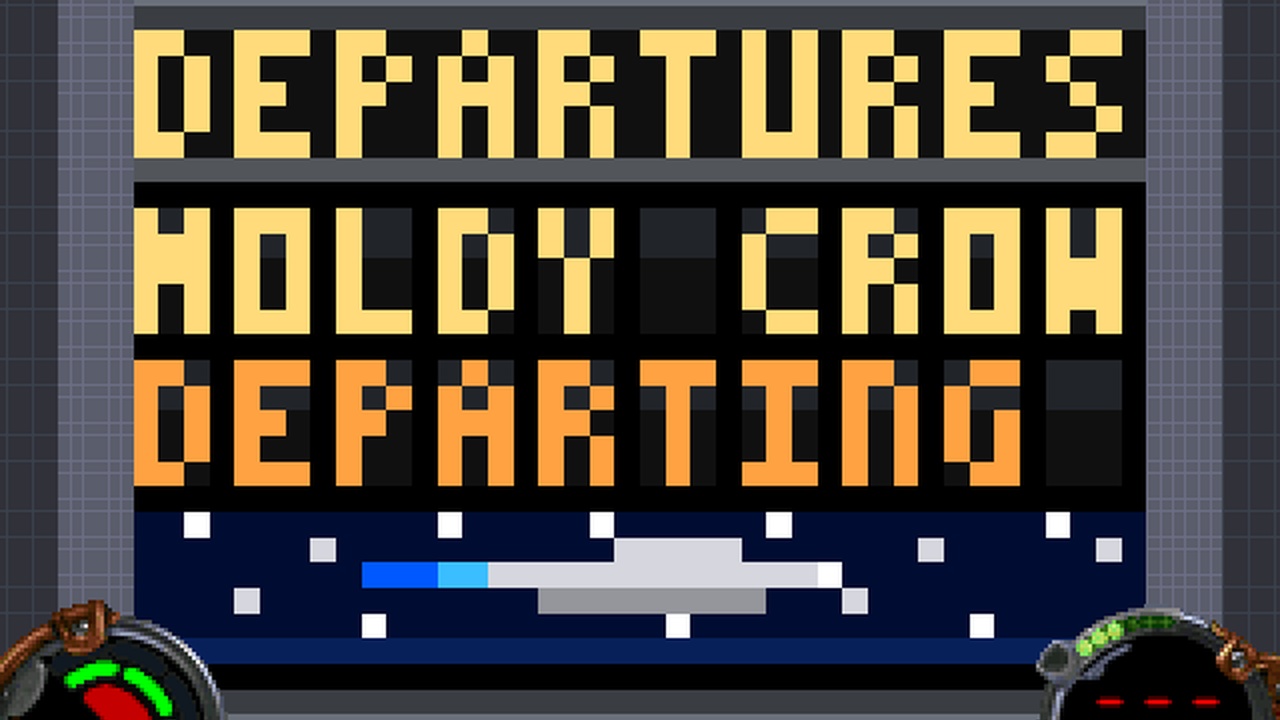
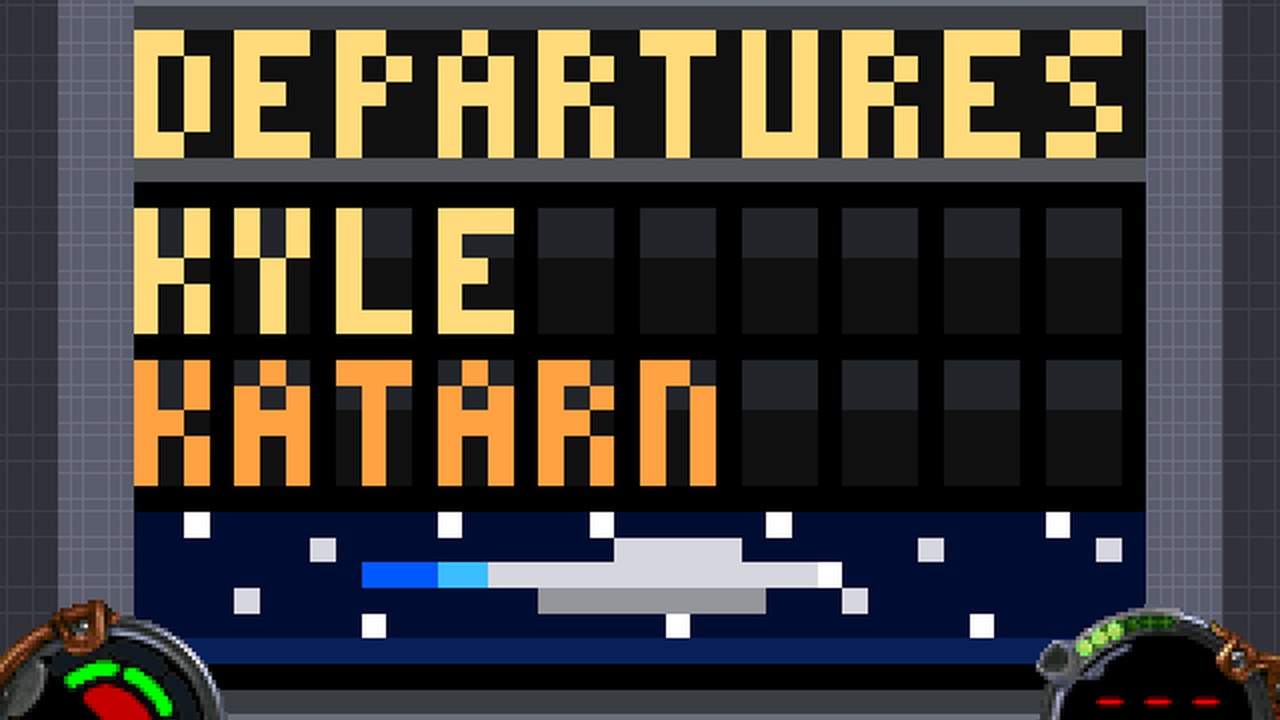
A 40×30, 64-colour pixel display cut into the wall of a Jedi Knight room, driven by a game running in a separate COG. The screen does not know what SNAKE is, and SNAKE does not know how a pixel gets drawn — and a split-flap DEPARTURE BOARD runs on the same screen without touching the keyboard.
| project | p23-pixelscreen |
|---|---|
| date | 2026-08-24 |
| package | P23.GOB, readme.txt, screenshot.jpg |
| build | 1 — 2026-09-05 |
| sha256 | b60718e977c4e3dae72d9d0d6d2fa87d2263ce8ccd5247df25452d96ab874571 |
Installing it
- Unzip it.
- Drop the
.GOBinto theepisodefolder of a Jedi Knight install — the one that already hasJK1.GOBin it. - Pick it from the episode list. On a libretro frontend, load the
.GOBitself as content.
The GOB carries its own level, cogs, materials, and sounds. Everything else is read from the stock
resource/, and there is no retail game data in the zip.
These are living projects, not finished releases. A level is rebuilt whenever something is learned — a lighting rule, a texture orientation, a whole detail pass — and it keeps its filename through all of it. The build number is how to tell which one you have: it is printed in the readme inside every zip, and it only moves when the level's bytes actually change.
Screenshots
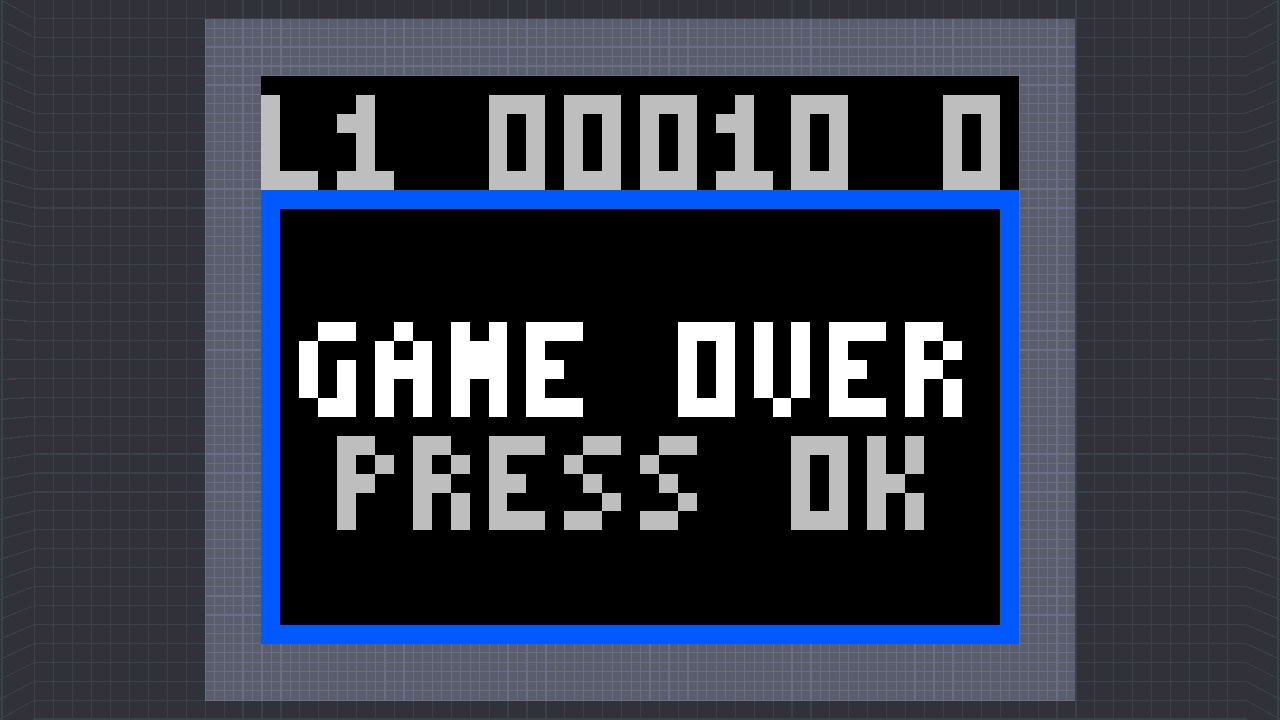
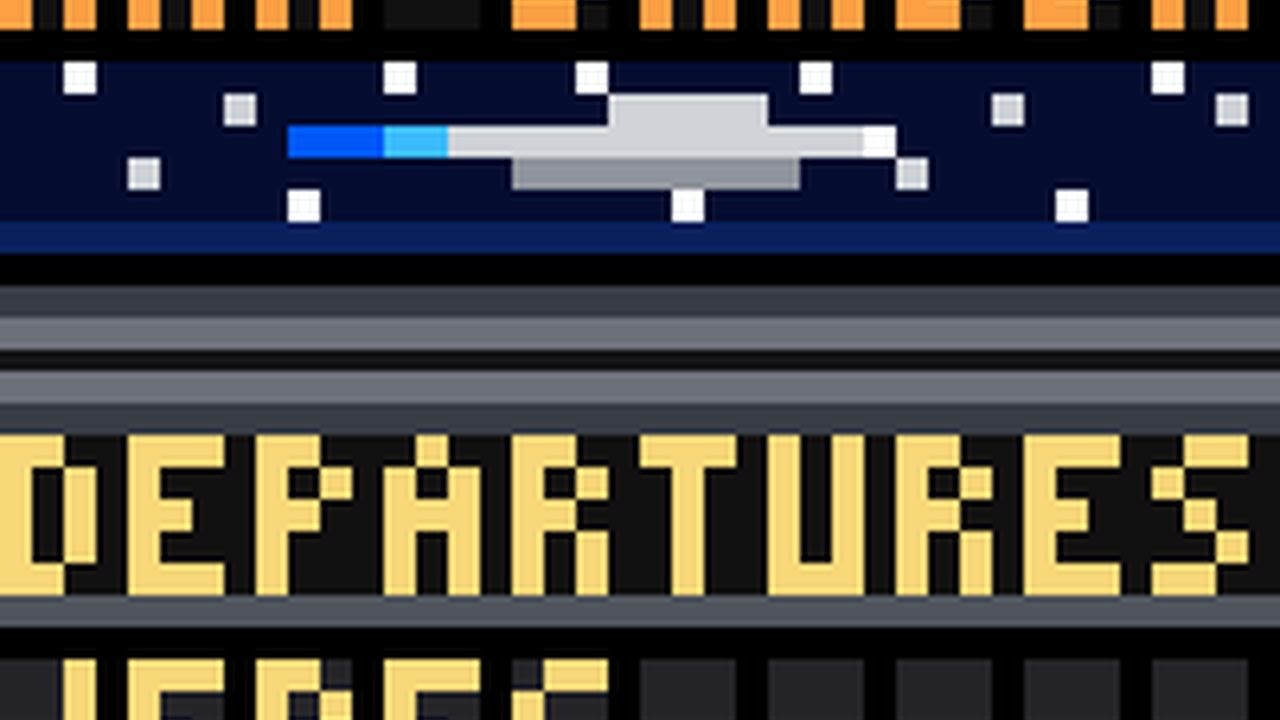
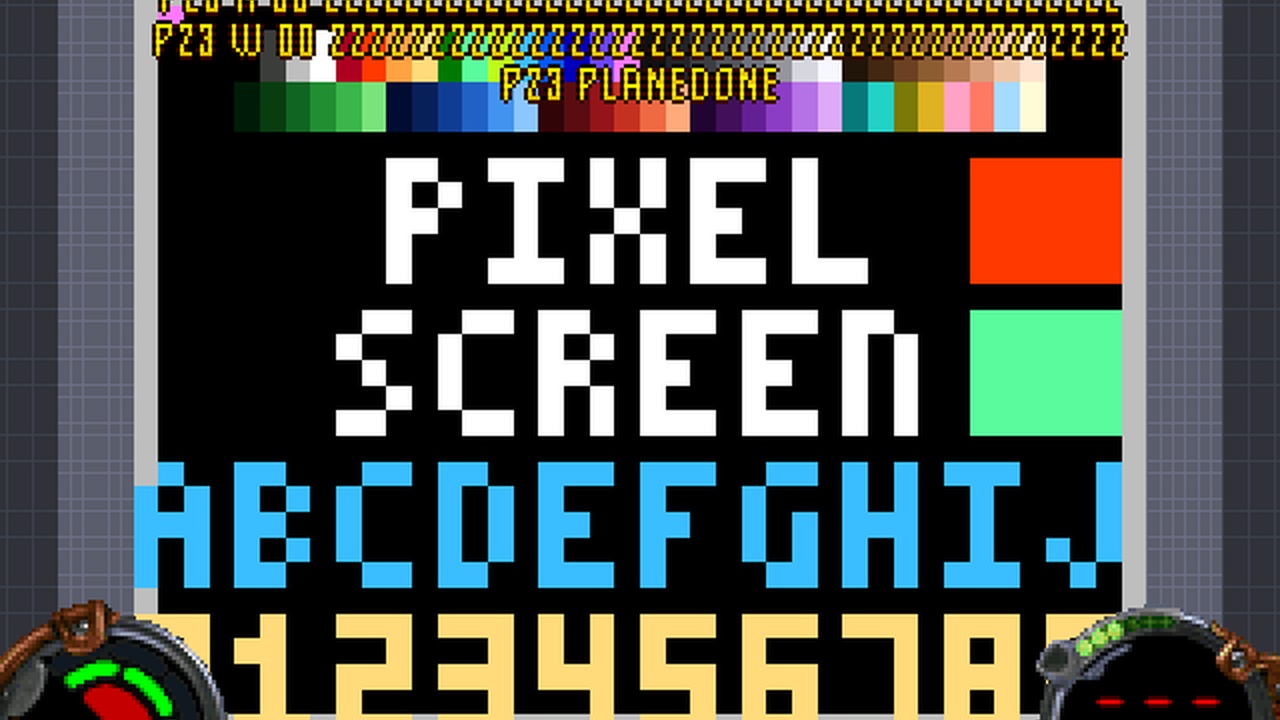
3 of these 6 tiles are harness working frames (640×480), flagged on the tile: not yet re-shot at 1280×720 with the HUD and dev text off.
The readme that ships with it
========================================================================
 Jedi Knight Level

 P23.GOB

 A 40x30, 64-colour pixel display cut into the wall of a Jedi Knight
 room, driven by a GAME running in a separate COG. No mod, no DLL and
 no extended verbs. The screen does not know what SNAKE is, and SNAKE
 does not know how a pixel gets drawn -- and a split-flap DEPARTURE
 BOARD runs on the same screen without needing the keyboard at all.

 [cogfactory / p23-pixelscreen]

 BUILD 1  --  2026-09-05
 sha256 b60718e977c4e3dae72d9d0d6d2fa87d

 This level is not made or distributed by LucasArts
 Entertainment Co.
========================================================================

THIS PACKAGE
------------------------------------------------------------------------
  P23.GOB          the level
  readme.txt       this file
  screenshot.jpg   what it looks like

INSTALLATION
------------------------------------------------------------------------
Drop P23.GOB into the `episode` folder of a Jedi Knight install (the one
that already has JK1.GOB in it) and pick it from the episode list.
Nothing else needs to change: the GOB carries its own level, cogs,
materials and sounds, and reads the stock resource/ for everything else.

On a libretro frontend, point the core at the GOB itself. It needs a
folder beside it holding `resource/` from a real install -- that is
where the retail data lives and none of it is in here.

CONTROLS
------------------------------------------------------------------------
  Walk into the orange button until you are TOUCHING it, then press
  SPACE. The camera cuts to a head-on view of the screen.

    A / D        turn left / right   (LEFT / RIGHT arrow also work)
    W / S        up / down
    C            OK -- starts a game, and restarts after a game over
    G or 1-0     switch weapon: quits
    SPACE        quits (you are still standing at the button)

  You cannot reverse into yourself: a key opposite your current
  heading is ignored rather than fatal.

NOTES
------------------------------------------------------------------------
  THE SCREEN IS THE REUSABLE PART, and that is the point of this
  release. It is 1200 wall surfaces and one cog, and its size, its
  first surface and its materials all come from the LEVEL -- from one
  row in the JKL, not from anything baked into the script. A different
  level writes a different row and ships the same cog unchanged. It
  has been run at 32x24, 40x30, 64x48, 80x60, 100x75 and 118x88.

  64 COLOURS, NOT 16. A material carries at most 16 cels in this
  engine, so the screen carries four materials and picks one per cell
  with SetSurfaceMat. Palette entries 0-15 are identical either way,
  so a program written for a 16-colour screen runs unchanged here.

  THE INPUT BUS IS THE OTHER REUSABLE PART. It samples the player,
  debounces, and forwards presses to whichever cog asked it to. A
  program registers itself at runtime, so the bus has no idea SNAKE
  exists, and it declares no parameters at all -- drop it into any
  level as a bare COGS row with no arguments.

  THE FRUIT ORDER IS FIXED, not random. Jedi Knight's Rand() is never
  seeded from the level, so a random game cannot be tested and every
  assertion in this project would be worthless. The sequence is baked
  at generation time. Play twice and you will see the same fruit in
  the same places.

  SINGLE PLAYER. The game state lives in the cog heap, which is per
  instance and never replicated, while SetWallCel DOES synchronise --
  so two people in one level would be two separate games fighting over
  one screen. The cogs are marked NOSYNC, which makes this a single-
  player cabinet rather than multiplayer Snake.

  There is a SECOND PROGRAM in this GOB. p23test.cog draws a test
  pattern and the full 64-colour palette on the same screen, through
  the same messages, and it is included precisely to show that the
  screen is a component rather than half of a game.

  AND A THIRD: p23flip.cog, a split-flap DEPARTURE BOARD. Four Dark
  Forces II messages cycle and every character rolls through the
  alphabet before it settles, column by column, so the board clatters
  into place from the left. It is in here because it is the one
  program that proves the input hookup is OPTIONAL -- it starts on its
  own clock the moment the level loads, with nobody at the button and
  nothing pressed, and only takes keys once somebody presses Use. Its
  test script presses nothing at all. Binding it instead of Snake is
  one row of the JKL.

  TEN sound effects now, and the flipper board brought a third clock
  with it. Snake's tick is 130 ms down to 66; the input bus repeats at
  50; the board flips every 100. Each cue is cut against whichever of
  those can retrigger it, because a clip longer than its own retrigger
  interval overlaps itself.

WHAT IS IN THE GOB
------------------------------------------------------------------------
        80  episode.jk
    267918  jkl\pixels.jkl
     23648  cog\p23flip.cog
      8586  cog\p23inp.cog
      4469  cog\p23log.cog
     18160  cog\p23scrn.cog
     32062  cog\p23snake.cog
     14523  cog\p23test.cog
      2188  mat\p23bezel.mat
      2188  mat\p23btn.mat
      2188  mat\p23ceil.mat
      2188  mat\p23floor.mat
     11980  mat\p23pixa.mat
     11980  mat\p23pixb.mat
     11980  mat\p23pixc.mat
     11980  mat\p23pixd.mat
      2188  mat\p23wall.mat
     30914  sound\p23die.wav
      4012  sound\p23eat.wav
      2470  sound\p23flap.wav
     39734  sound\p23lvl.wav
      2028  sound\p23menu.wav
     61784  sound\p23over.wav
      8864  sound\p23setl.wav
     35324  sound\p23strt.wav
      1278  sound\p23tick.wav
      1808  sound\p23turn.wav

    616522  bytes in 27 entries

CREDITS
------------------------------------------------------------------------
  Generated end to end by tools/cogfactory in the openjkdf2_libretro
  tree -- level, cogs, materials and sounds.
  Sound effects synthesised PROCEDURALLY with
  tools/cogfactory/sfxlib.py. No audio art and no external service:
  eight WAVs out of an oscillator, a noise burst and a filter, in a
  three-voice chiptune-adjacent set.
  Materials are 16-bit MATs written by tools/cogfactory/mat16.py, so
  they carry their own colour and need no colormap.
  It stands on p19 (a whole game in one cog, and the -1 wallCel trap),
  p18 (every input channel a level cog can read), p17 (the cog heap as
  an array that survives), p13 (what a cog-to-cog message carries),
  p20 (the WAV format this engine will actually play), p08 and p06.

  The readme format is styled after SM Sith Lord's cog headers,
  because his are the ones everybody read.

========================================================================